01
Location shared only when needed
Location is used during an active safety session or emergency—not as permanent employee tracking.
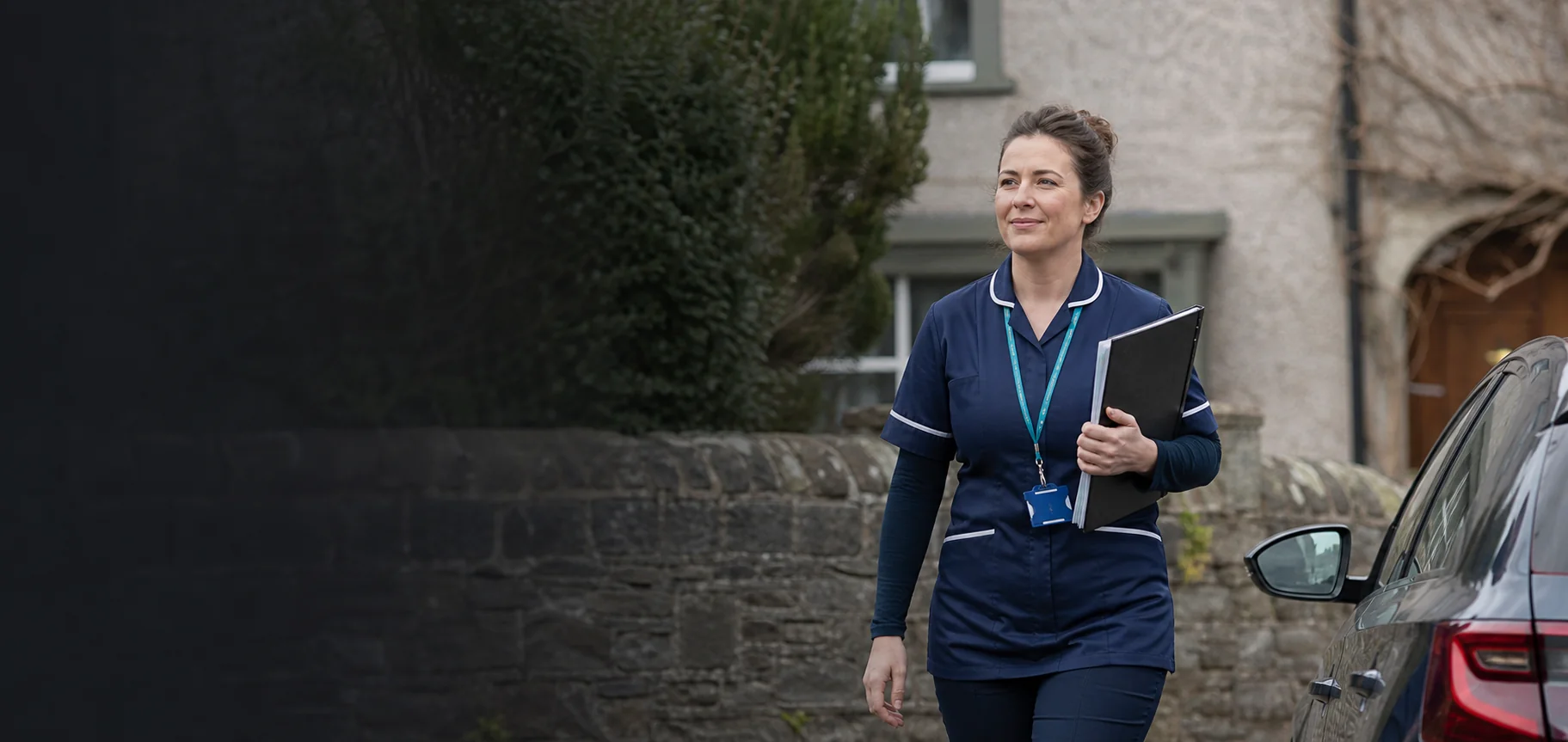
Start a safety session when you arrive, check in while you work, and get support if needed—always on your terms.
GOOD AFTERNOON
Your safety, in one place.
15 minute safety interval
CHECK-IN COMPLETEYou're all set
MANAGER CONNECTEDSupport is ready
Designed for
Community Nursing Home Care Lone Workers Care TeamsSafe Nurse records only what is needed during an active safety session—giving professionals protection, managers accountability and organisations a clear audit trail.
Location is used during an active safety session or emergency—not as permanent employee tracking.
Check-ins, safety updates and safe completion are recorded only while the professional chooses to run a safety session.
Approved managers or trusted contacts receive alerts only when required. Access can be reviewed or revoked at any time.
Follow an incident from the initial help request through acknowledgement, response and safe resolution.
The organisation receives the information needed to respond effectively, while the professional remains in control of when an ordinary safety session begins and ends.
No staff alerts need a response.
Managers only see the safety information a professional has chosen to share with them.
When you arrive, start the session and choose who can support you if needed.
Each check-in or safety update saves a clear record that you are okay and the session is active.
When you are secure, resolve the session. The record shows the full safety timeline and only approved managers receive new alerts.
You turn the session on when you arrive. Every check-in, safety update, and safe resolution is saved as part of that session. You choose who can access it, approve or decline requests, and can revoke access whenever you wish.SafeNurse supports—but does not replace—your organisation's lone-worker and emergency procedures.
SafeNurse is designed for nurses, carers, community health professionals, and the managers who support people working alone or away from a fixed workplace.
No. SafeNurse is a nurse-controlled safety tool, not routine tracking. The professional starts a safety session when they arrive, and the safety record is updated when they check in, update their status, or confirm they are safe.
No. SafeNurse is a safety-support tool, not an emergency service. It does not replace 112 or 999, or an organisation’s risk assessment, supervision, lone-worker policy or emergency procedures. Alerts can be affected by connectivity, GPS, notifications, operating-system restrictions and battery status. Contact 112 or 999 directly when immediate help is required and it is safe and possible to do so.
The nurse or healthcare professional does. A manager can request access, or a professional can invite a manager, but nothing is shared until the professional approves. Access can be revoked at any time, and only approved managers receive new alerts.
The iOS and Android releases are in preparation. The store buttons below are placeholders and will be activated when the listings are live.
SafeNurse for iPhone and Android is in preparation. Store links will appear here as soon as the apps are available.
Your safety,
in one place.